

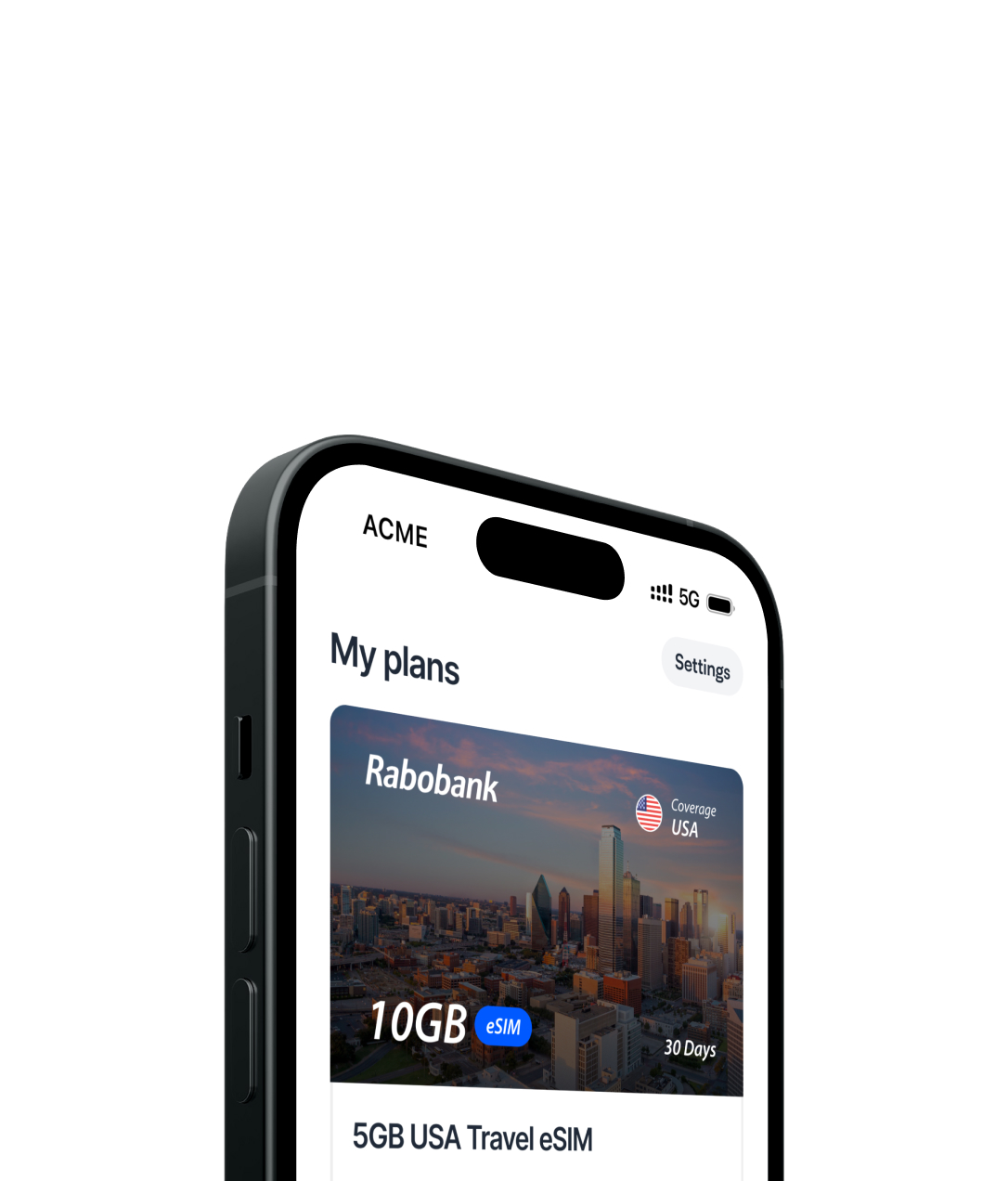
Roam the world 
with Rabobank

Stay connected wherever you go, without 
breaking the bank

See our plans

Travel plans made simple

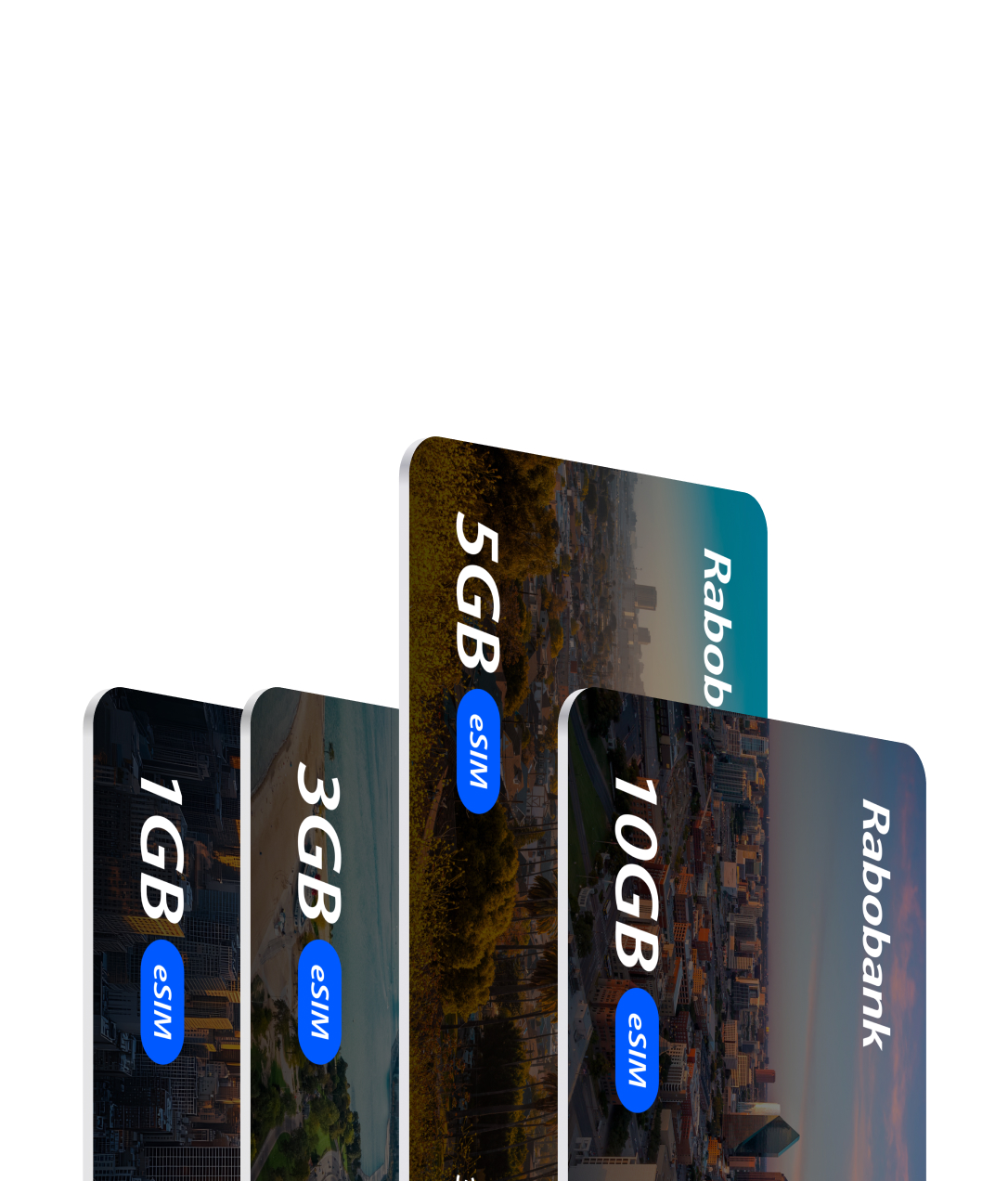
Perfect plans for every corner of the globe, wherever you go.

Pick your plan and go

Rabobank works with the world's best mobile networks. Get reliable connectivity wherever you go.

Worry-free roaming

Global roaming without surprise fees

Blazing-fast, reliable data

High speed data

Share the love

Hotspot supported

Ready, Set, Go!

Quick activation

Refuel anytime

Top-up your data anytime

How it works

Experience buying a phone plan, the way it should be.

Purchase your plan

Step 1

Install your eSIM

Step 2

Activate and enjoy

Step 3

Frequently Asked Questions

Have questions? Find answers.
What happens if I run out of data?

You can easily top up your data online by logging in to "My Account". We'll notify you as you approach your limit, so you stay connected without interruptions.

How can I check coverage in my area?

Your phone will be automatically connected to the strongest network, ensuring the best possible coverage wherever you are.

How will I get my SIM?

Our SIM is an eSIM, which means there is no need for any shipping. eSIMs are the digital equivalent of a regular SIM card. You can install your eSIM on your phone and get connected almost immediately. As soon as you complete the checkout and the subscription is active, we will send you an email with instructions on how to install your new eSIM. Some devices don't support eSIMs. You can check compatibility below.

Are there any hidden fees?

We don't charge any activation or termination fees. Regular telecom taxes and fees are applied to your subscription. The exact amount is based on your location. You'll be able to see your subscription total before you check out, so there are no surprises.

How do I know if my device is eSIM compatible?

Most newer smartphones support eSIM. Generally:

  • iPhones: Models released in the last 6 years (from iPhone XR and newer).
  • Samsung Galaxy: Most models from S21 onwards.
  • Google Pixel: From Pixel 4a and newer.
  • Other Brands: Many flagship models from OnePlus, Xiaomi, and other major brands.

Check compatibility easily:

  • Option 1: Go to your phone’s Settings > Mobile Network > Add eSIM. If you see this option, your device is eSIM compatible.
  • Option 2: Visit the Manufacturer’s Compatibility Page for the latest information.

Important notes:

  • Carrier unlock required: Your device must be carrier unlocked to use an eSIM.
  • Regional limitations: Devices sold in China may not support eSIM, even if the model does in other countries.

How do I know if my device is unlocked?

Your device must be carrier unlocked to use an eSIM plan. If you're unsure whether your device is carrier unlocked, you can find out via your device settings. Reference the Carrier Lock description in your settings to determine your device status. “No SIM restrictions” means that your device is unlocked. If you don't see that message, please contact customer support.

Which payment methods are accepted?

You can use Apple Pay and Google Pay for safe and easy payments. We also accept all major credit and debit cards including:
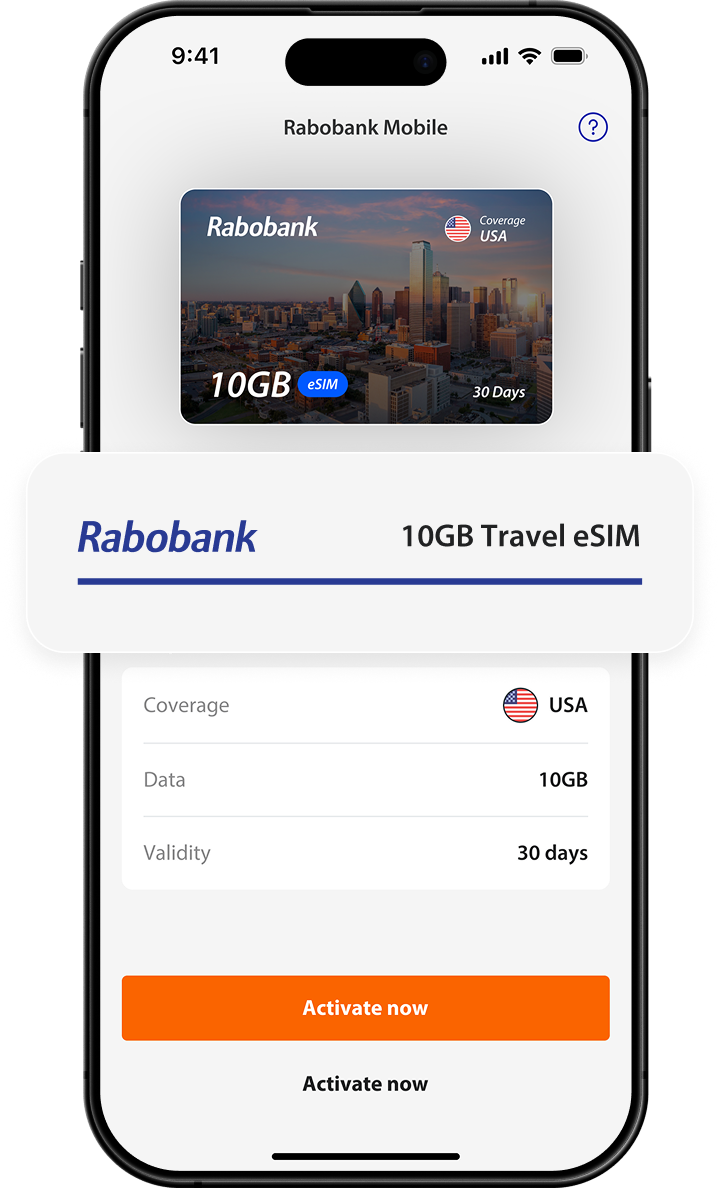
  • VISA
  • Mastercard
  • Maestro
  • American Express
  • Discover
  • JCB
  • UnionPay